All assets
Lightroom Mobile presets
One tap looks.
25 free DNG presets for the Lightroom Mobile app. Grab a favourite below, or download all 25 in two parts.
How to install
Made for Lightroom Mobile. Works in the free app.
- 1Download a preset .dng to your phone.
- 2Open Lightroom Mobile and add the .dng to your photos.
- 3Open it, tap ⋯ › Create Preset, give it a name and save.
- 4Open any photo, go to Presets and tap your new preset.
Preset collection
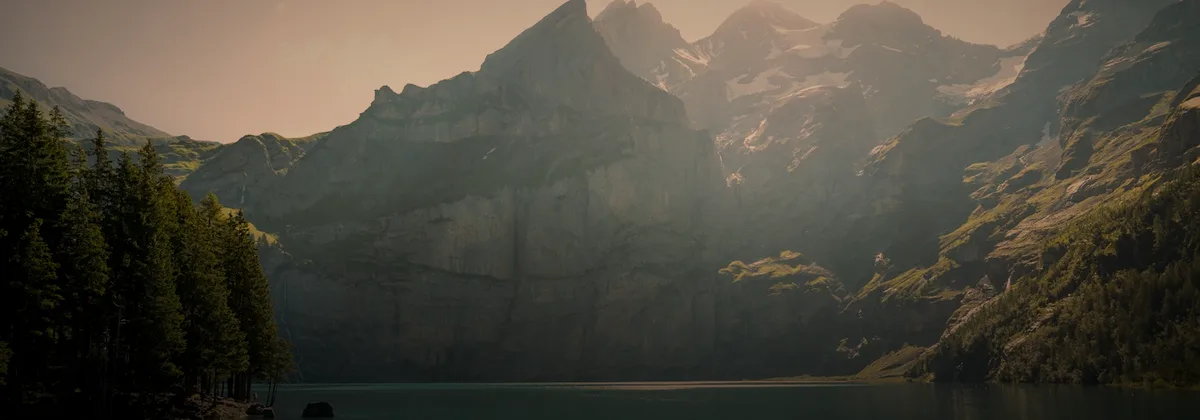
Alpine Journey
Travel · Lightroom Mobile DNG
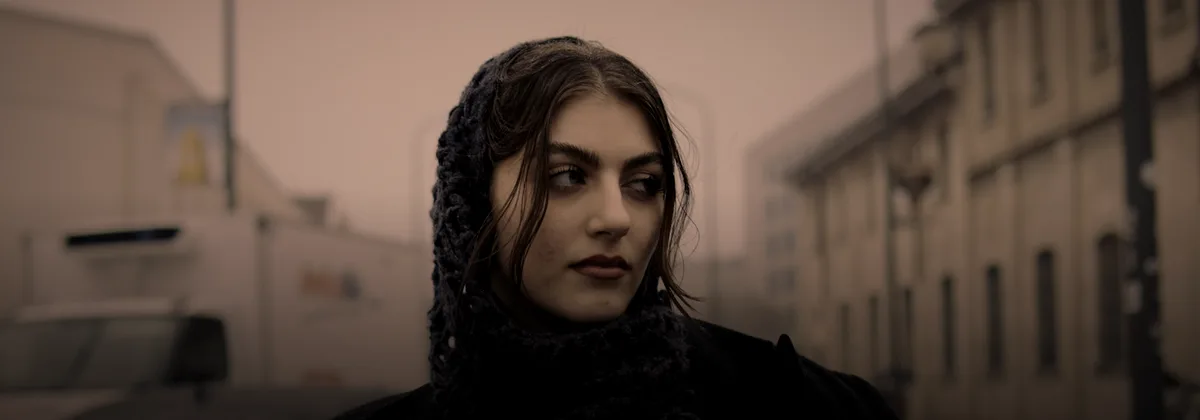
Black Film
Film · Lightroom Mobile DNG
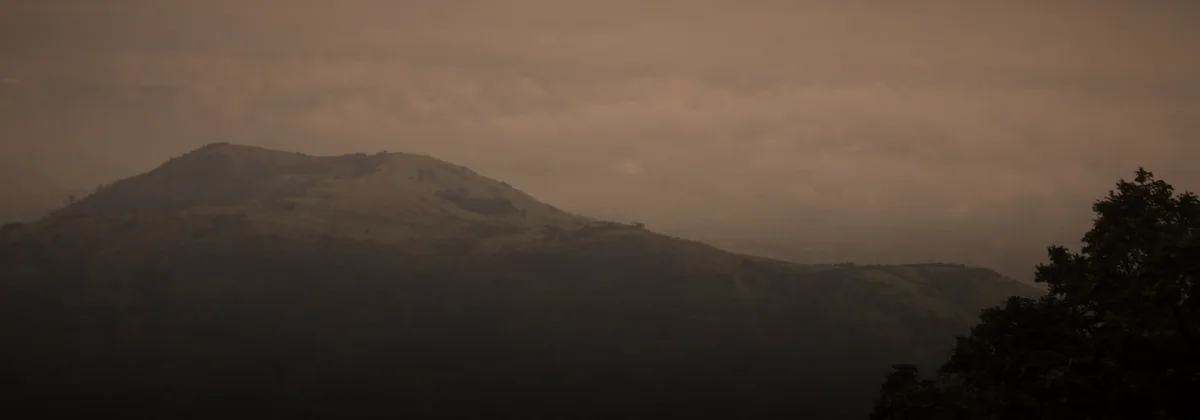
Cinematic Green
Cinematic · Lightroom Mobile DNG

Coffee Mood
Warm · Lightroom Mobile DNG
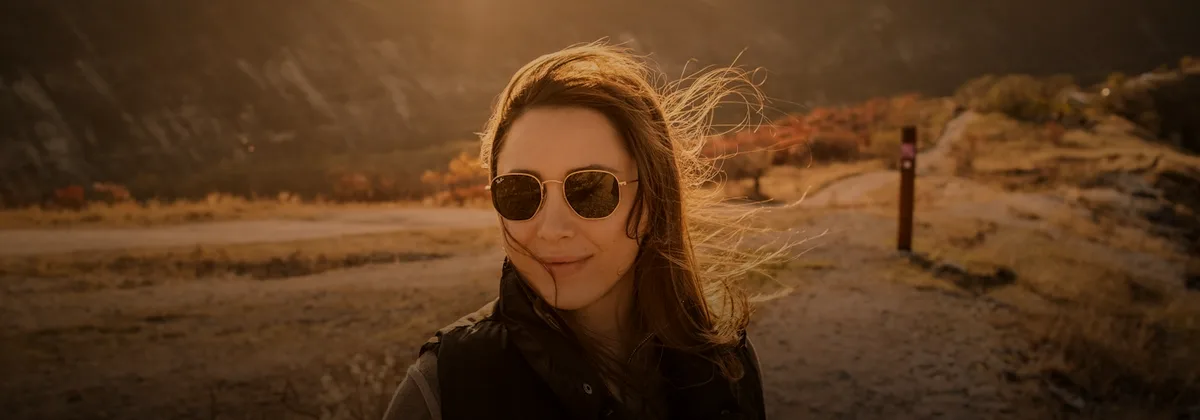
Copper Portrait
Portrait · Lightroom Mobile DNG
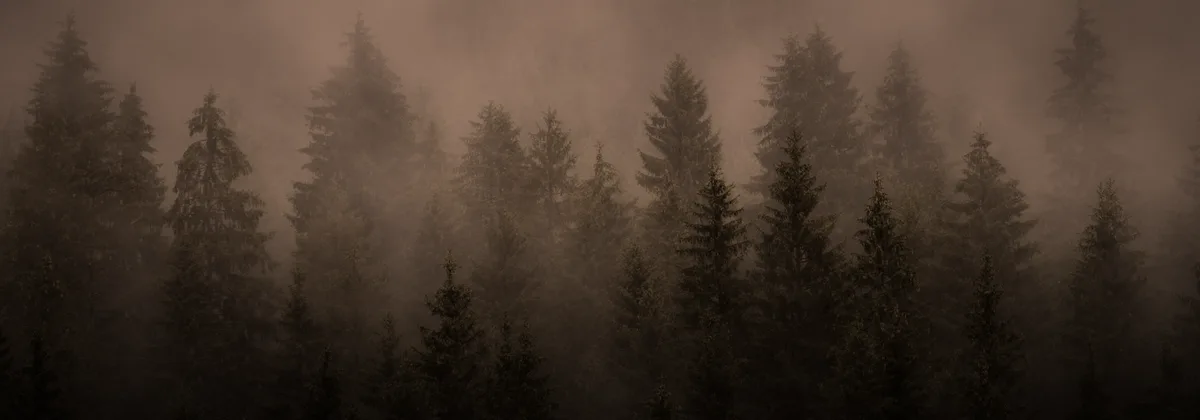
Dark & Moody
Moody · Lightroom Mobile DNG
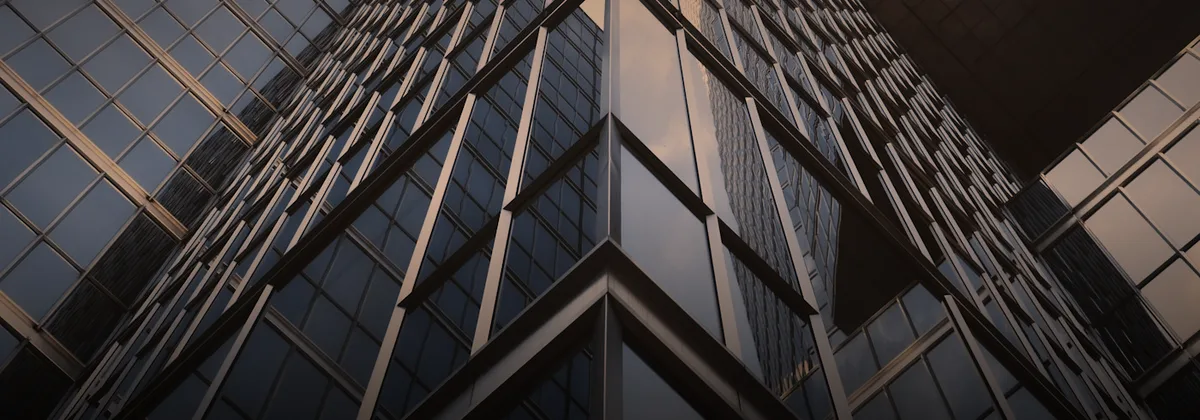
Urban Steel
Urban · Lightroom Mobile DNG
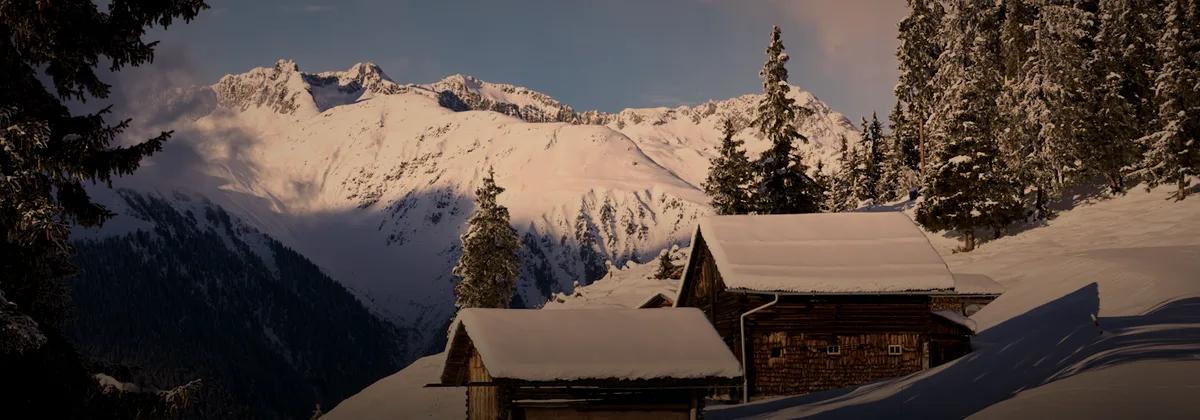
Winter
Cool · Lightroom Mobile DNG